
Uninstall the driver from your Windows computer by following these steps:
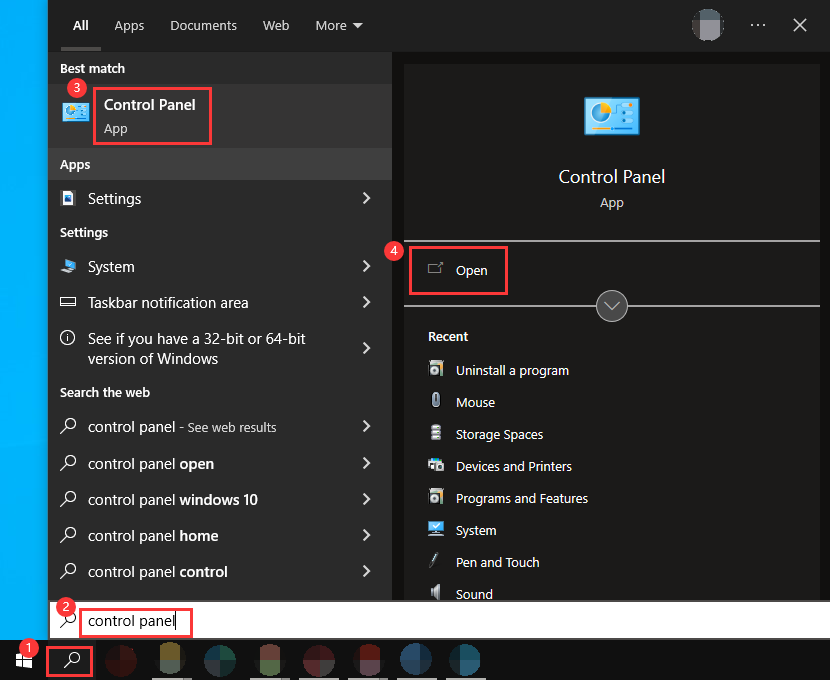
- Open "Control Panel".
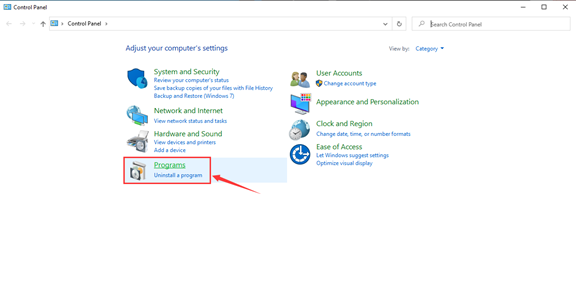
- Under Programs, click "Uninstall a program".
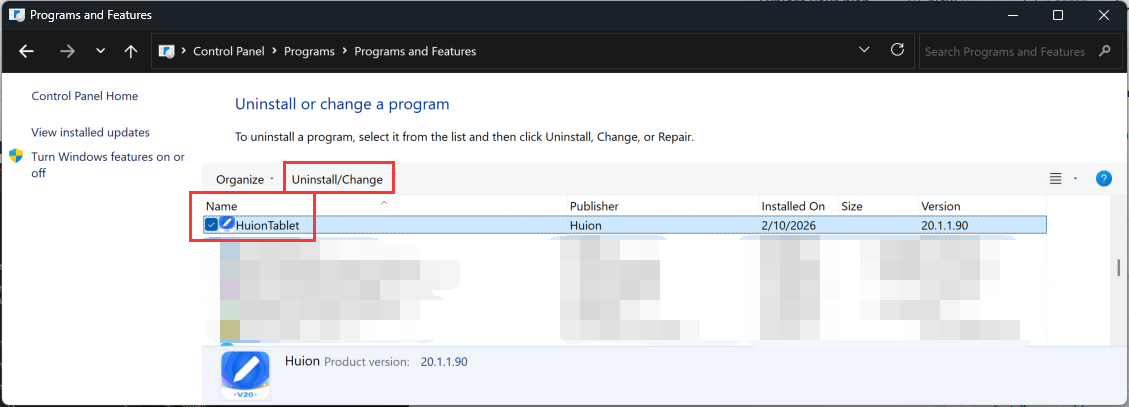
- Select "HuionTablet" and click "Uninstall/Change" to uninstall the driver.
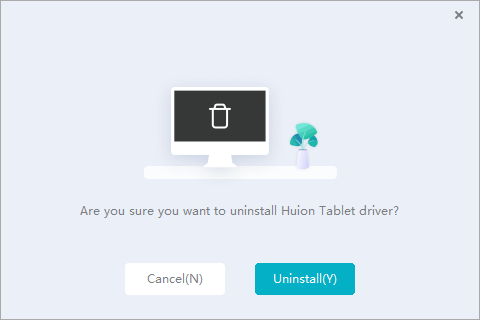
- Click "Yes" to allow changes on your computer if a Windows pop-up appears. Then, click "Uninstall(Y)" to confirm.
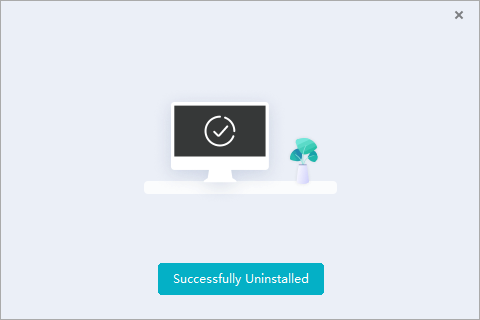
- This message appears after the driver has been successfully uninstalled. Click "Successfully Uninstalled" to complete the process.
If you need to reinstall the driver, please visit the Huion Download Center. Follow the steps in this article to reinstall the driver: How to Install Huion Drivers on Windows.